
Glossy balloons and confetti on deep purple.
★ 4.5
▣ 4,240
♥ 50
Make every email feel personal
Choose a design, write your message, personalize the font and color, then copy and paste the finished stationery into Gmail, Outlook, Yahoo Mail, or any email app that accepts formatted text. Free, and no signup required.
Email Backgrounds turns an ordinary email into a personal greeting. Browse more than 2,000 free designs for birthdays, holidays, weddings, thank-you notes, seasons, and everyday messages — no design experience required.
People look for these designs under several names — email backgrounds, email stationery, email wallpaper, or email themes — and they all mean the same thing here: a picture layout with a space where your own message goes.
Everything works by copy and paste. Open a theme, type your message, personalize the font, color, size, and alignment, then paste the finished stationery into Gmail, Outlook, Yahoo Mail, or another email service. Your recipient sees the design inside the email and does not need an account or an app.
Featured designs selected for quality, readability, and seasonal appeal.
Glossy balloons and confetti on deep purple.

Animated: A calm lake reflects a snow-capped mountain under a purple sky, bordered by green grass and purple wildflowers.

An animated nature landscape with snow-capped mountains, evergreen forest, calm lake reflections, and cloudy sky.


A frosted cupcake and lit candle on chalkboard.
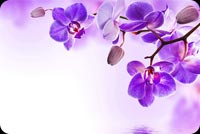
A branch of purple orchids with open blooms and buds against a soft gradient background of purple and white.
Freshly added stationery for your next personal email.
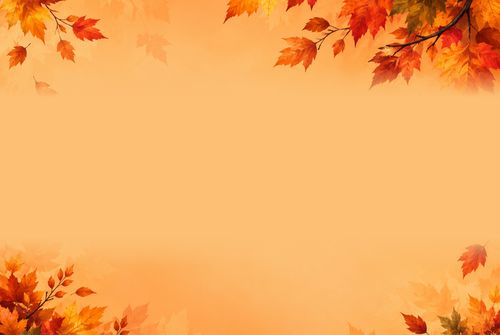
A warm autumn email background framed with colorful maple leaves in rich orange, red, gold, and brown tones.
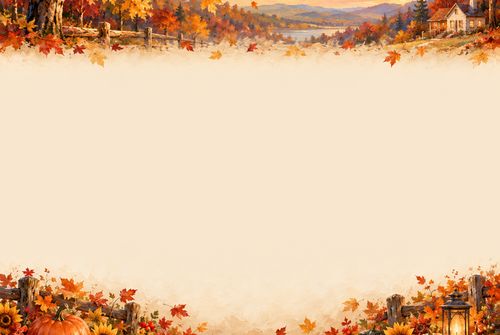
A warm oil painting inspired fall autumn email background with colorful foliage, pumpkins, sunflowers, rustic fencing, and a peaceful countryside landscape.

A cheerful autumn email background with a friendly scarecrow, pumpkins, sunflowers, fall leaves, and a warm harvest sunset.
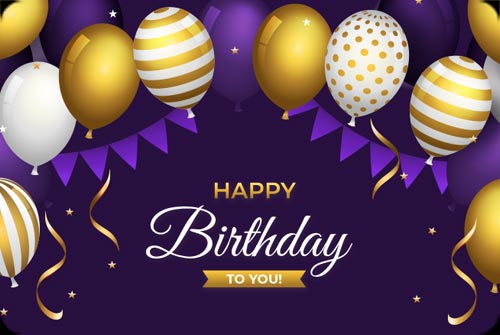
A festive birthday scene featuring elegant gold, white, and purple balloons with playful ribbons and banners on a deep purple background.
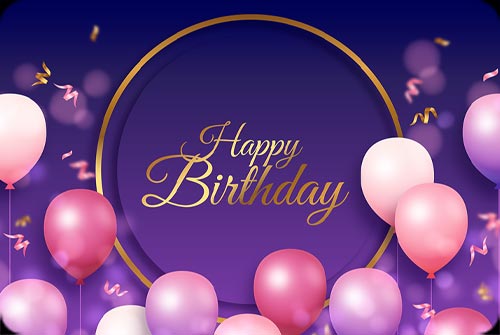
A graceful birthday design featuring soft pastel balloons floating against a rich purple background, accented with gold details and elegant “Happy Birthday” lettering.

A fun and colorful birthday design featuring a festive cupcake topped with a sparkling candle and playful sprinkles, paired with the cheerful message “No Such Thing as.
Find the right background for celebrations, holidays, seasons, or everyday notes.
Browse the gallery and open a background that fits your message.
Type your message, then adjust the font, color, size, spacing, and alignment.
Copy the completed design and paste it into Gmail, Outlook, Yahoo Mail, or another email service.
Using Microsoft Outlook? Read the free email stationery for Outlook guide.
Helpful answers about creating, copying, and sending email stationery.
Email backgrounds are decorative stationery designs with a message area. Choose a theme, type your message, personalize it, then copy the finished design into your email.
Open a theme, enter your message, select Copy, then paste the design into the message area in Gmail. You can review the email before sending it normally.
Yes. The copied stationery is designed to paste into Gmail, Outlook, Yahoo Mail, and other email services that accept formatted HTML content. Appearance can vary slightly between email apps.
Yes. Use Copy to Mobile to display a QR code, open the design on your phone, then tap Copy to Clipboard and paste it into your mobile email app.
The web version provides free email themes and fonts. Pro fonts and additional app features are available through the Email Backgrounds apps.
Yes. Guests can save data in the current browser. Sign in to sync Favorites and History with your account so they are available on other devices.
No. The recipient views the stationery inside the email and does not need to install an app or create an account.
Stationery with an e is the correct spelling for decorative writing paper and for email designs. Stationary means standing still. Both spellings will find the same free email backgrounds on this site, so do not worry if you searched for the other one.
Nothing — they are three names for the same thing. An email background, sometimes called email stationery, an email wallpaper, or an email theme, is a decorative layout with a message area you type into. Whichever term you searched for, the designs on this site are what you are looking for.
Email Backgrounds on mobile and desktop
Create and copy personalized email stationery from the device you use most.



Help us keep free email stationery available and continue improving EmailBackgrounds.com.